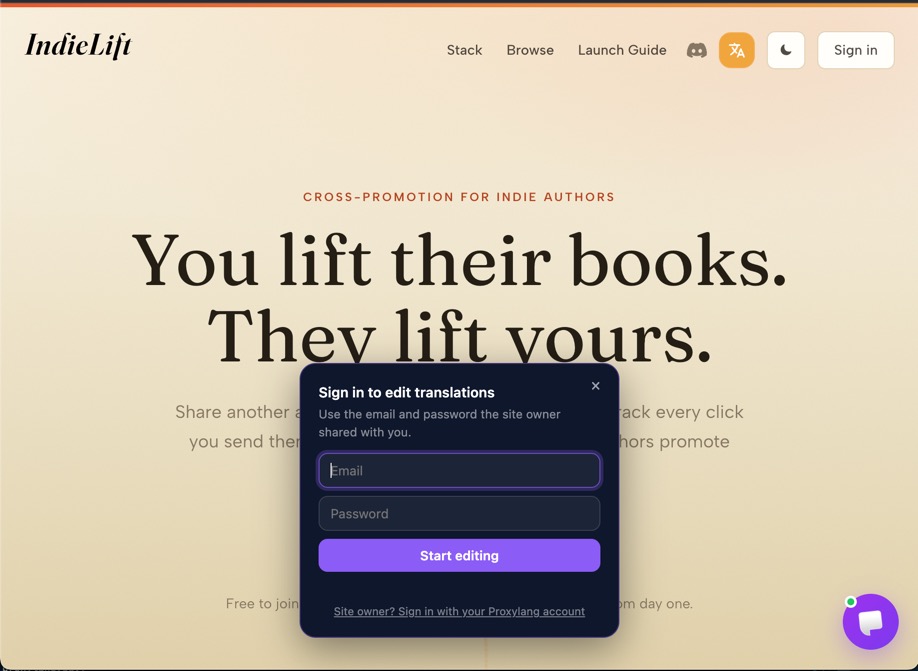
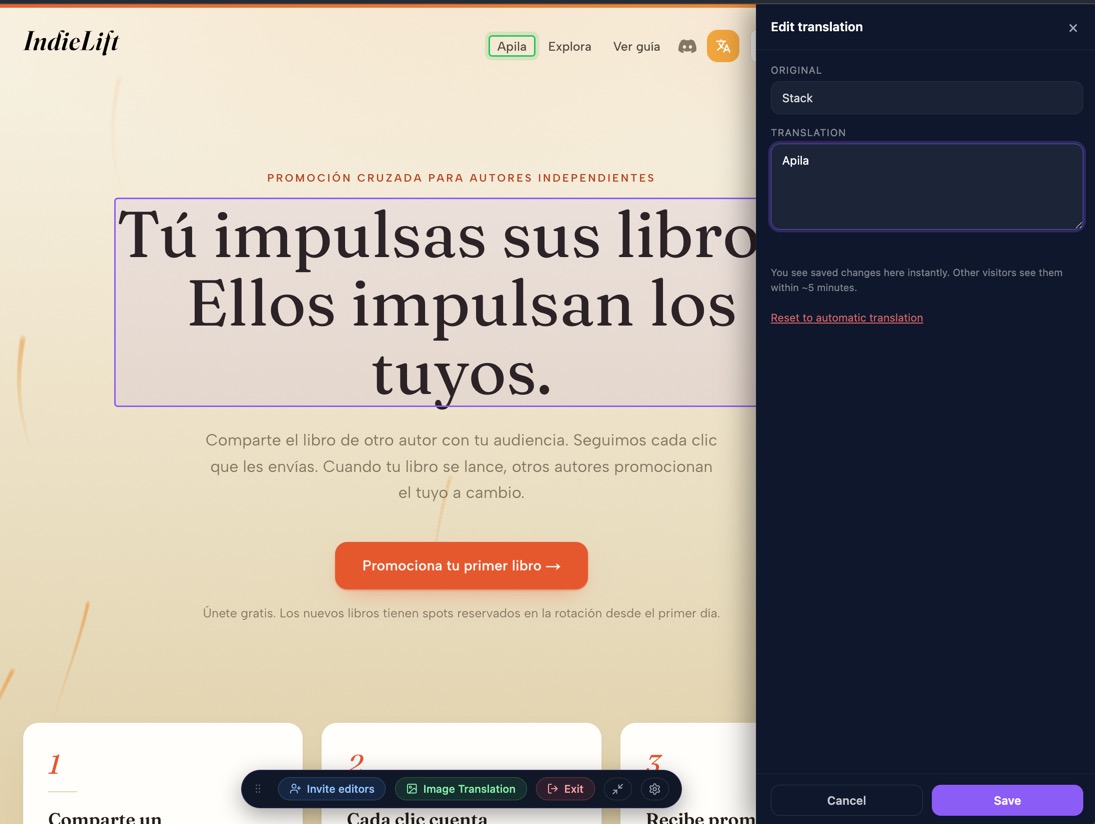
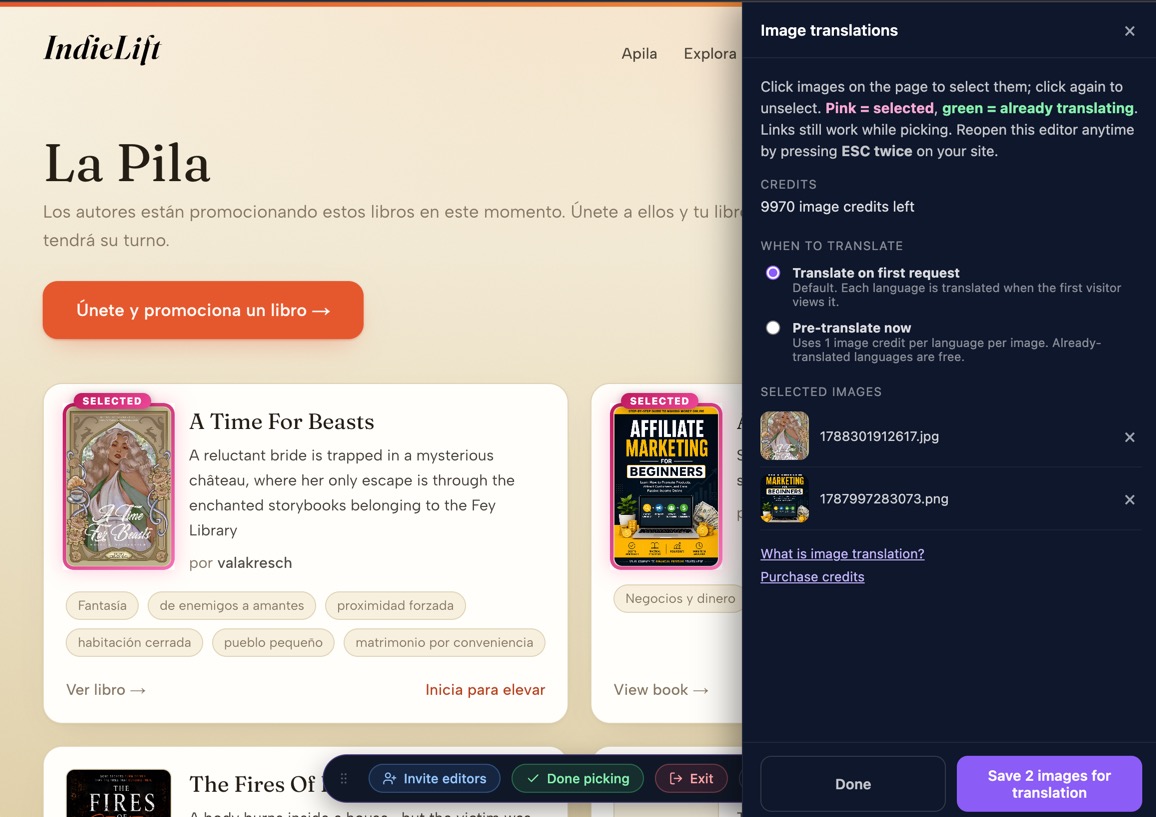
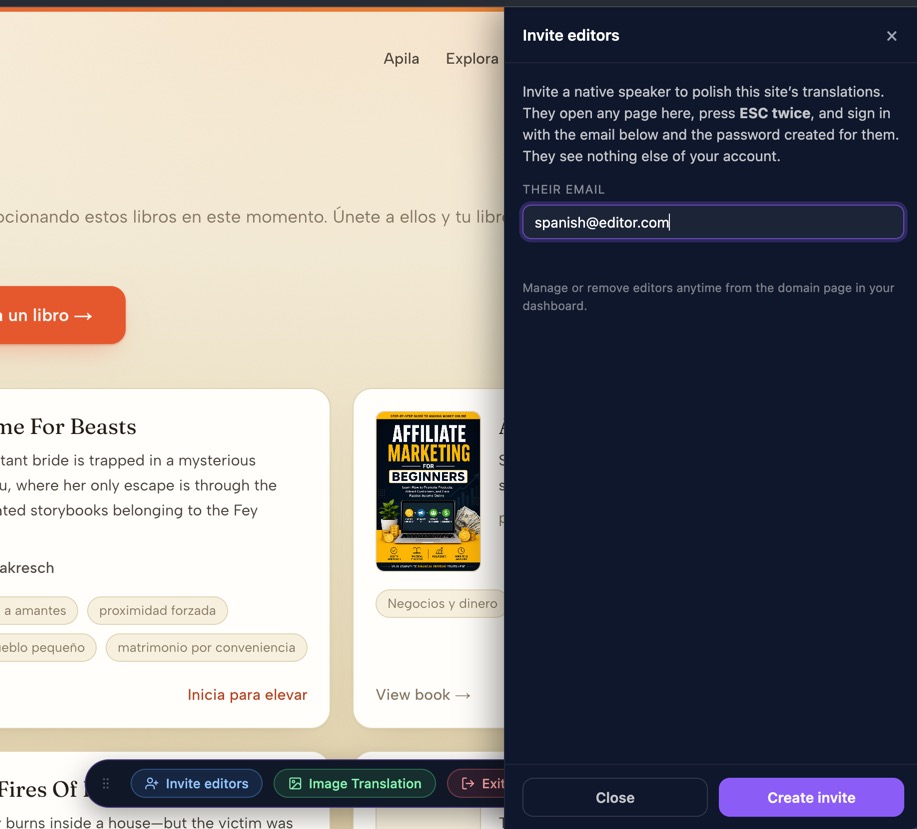
Invited proofreaders open the editor right on the pageThey sign in with the email and password the site owner shared, and nothing elseClick a sentence, type the better wording, saveImage Translation mode: pick images on the page and choose when they are translatedInvite editors by email, right from the editor